English
 Arabic
 French










No reviews yet. Be the first to review!
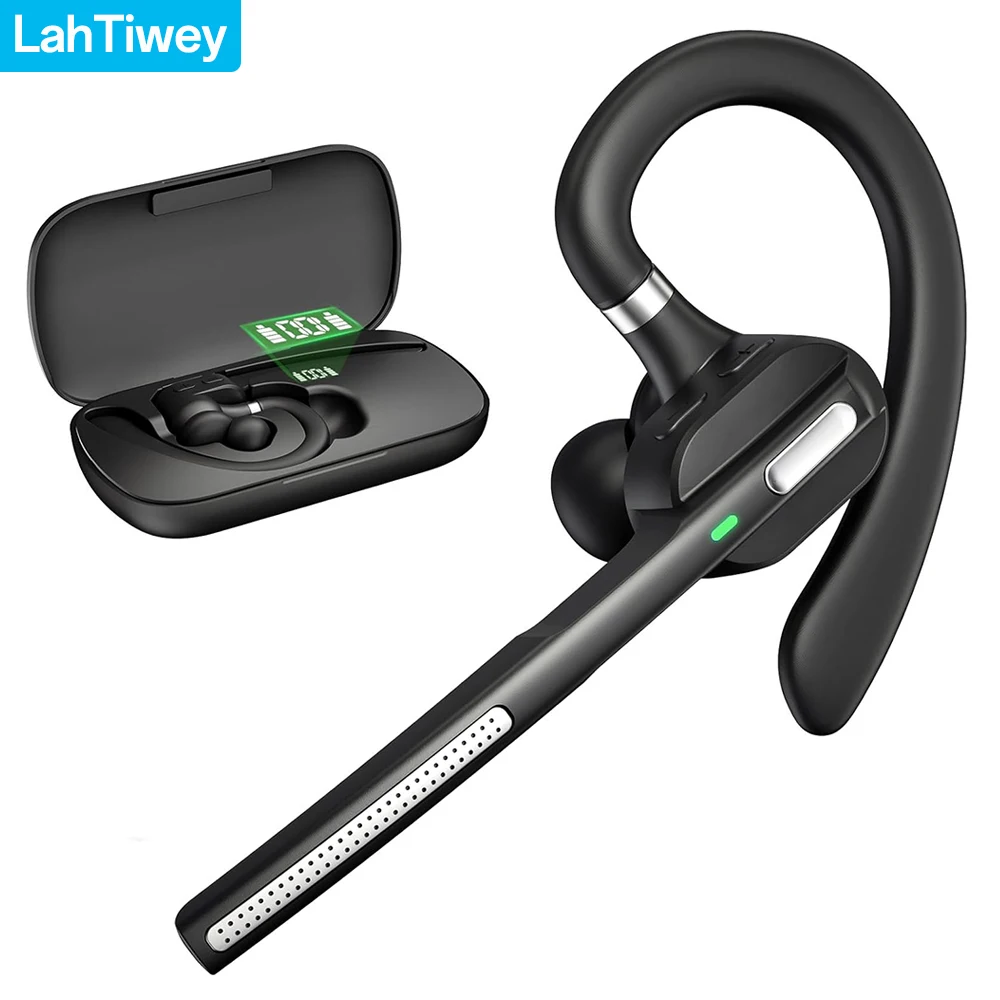
Bluetooth Headset with Noise-Cancelling Mic, Wireless Earpiece with ROTABLE Earhook and Charging Case LED Power Display, Hands-Free Headset for Work, Meetings, MS Teams, Business
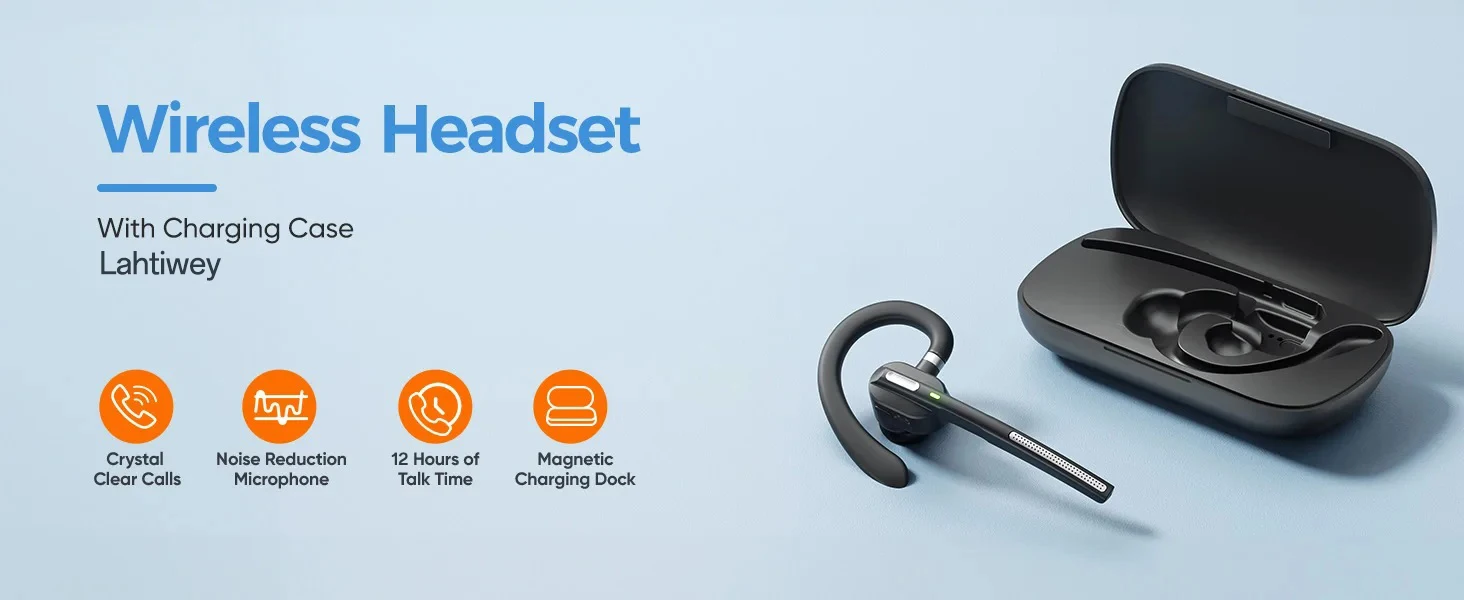
Features
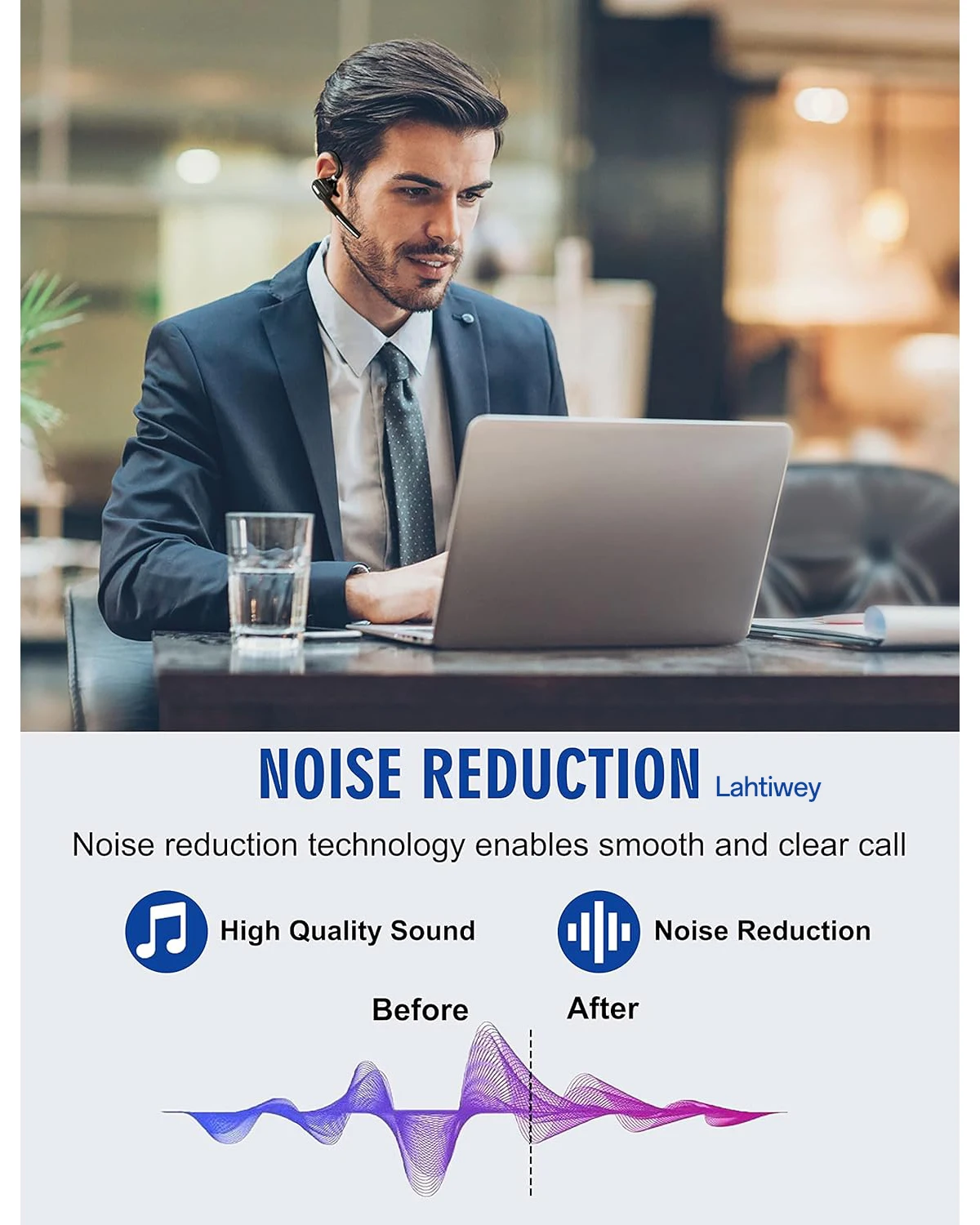
[Crystal-Clear Calls with Environmental Noise Cancellation]:
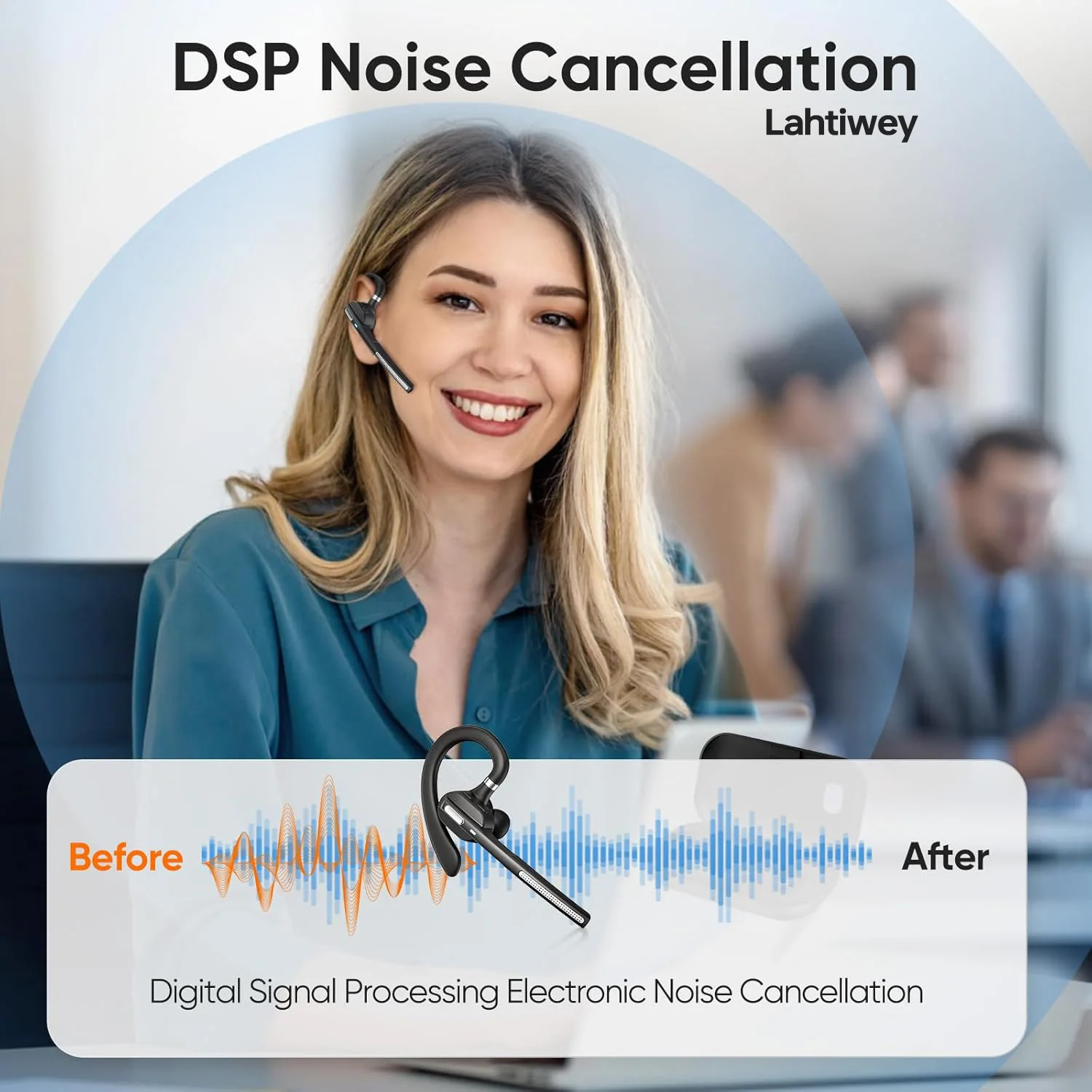
Stay focused on talk and music with our single ear bluetooth headset featuring ENC and CVC (Clear Voice Capture) technologies. It effectively reduces background noise by up to 90%, ensuring clear, whether you're in a busy office, on the road, or working remotely
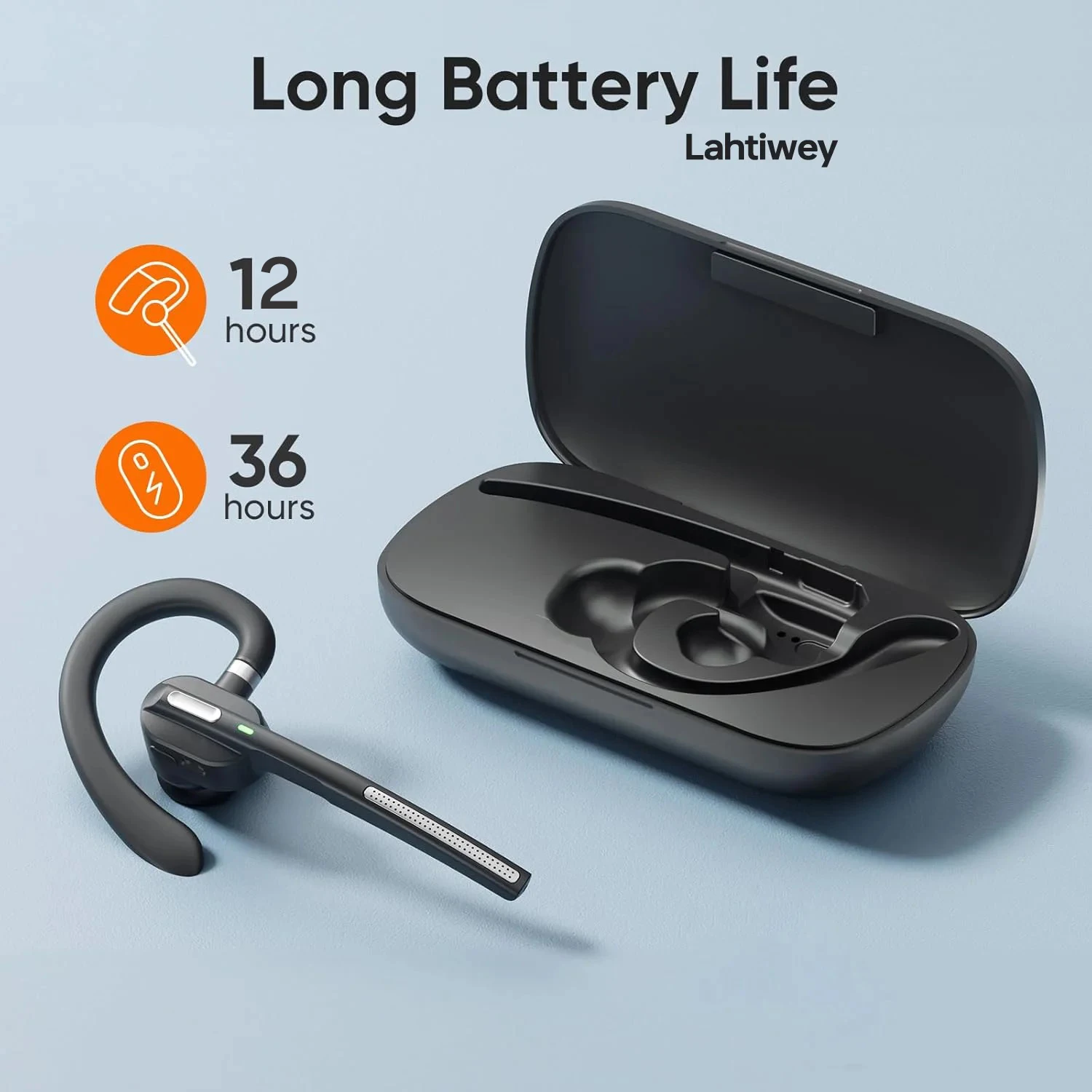
[36-Hour Battery Life for Long Workdays]:
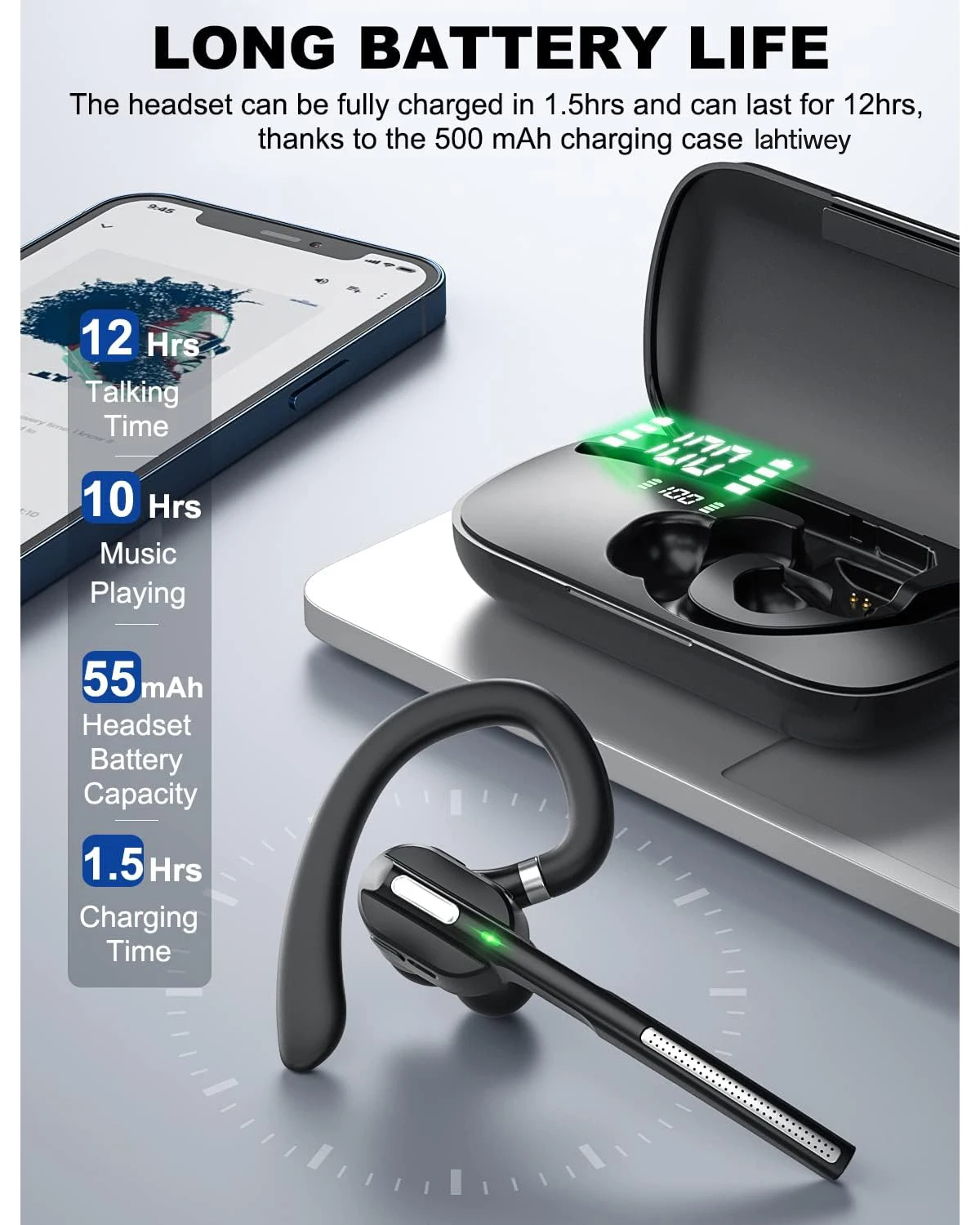
Power through your day with up to 12 hours of talk time on a single charge and total 36 hours with the charging case. This wireless headset with mic for work offers Type-C fast charging, keeping you connected without the constant need for recharging—perfect for back-to-back Zoom meetings or long commutes
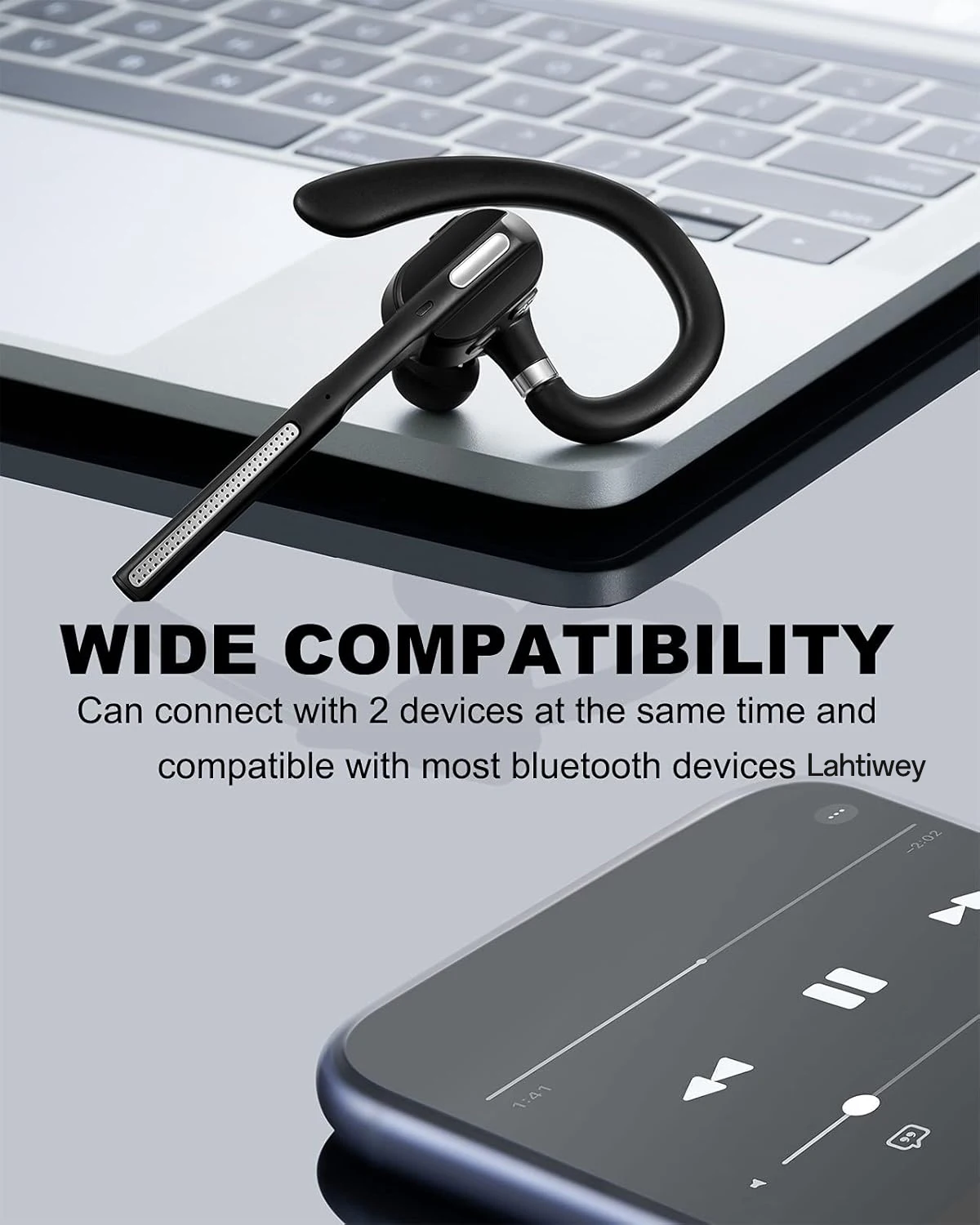
[Effortless Multi-Device Connectivity and Dual Connect]:
Seamlessly switch between 2 devices with easy pairing technology. Whether you're taking calls on laptop, mobile, or cell phone, this headset with microphone for pc keeps you in control. Compatible with platforms like Teams, Zoom, and Google Meetting—perfect for multi-tasking professionals
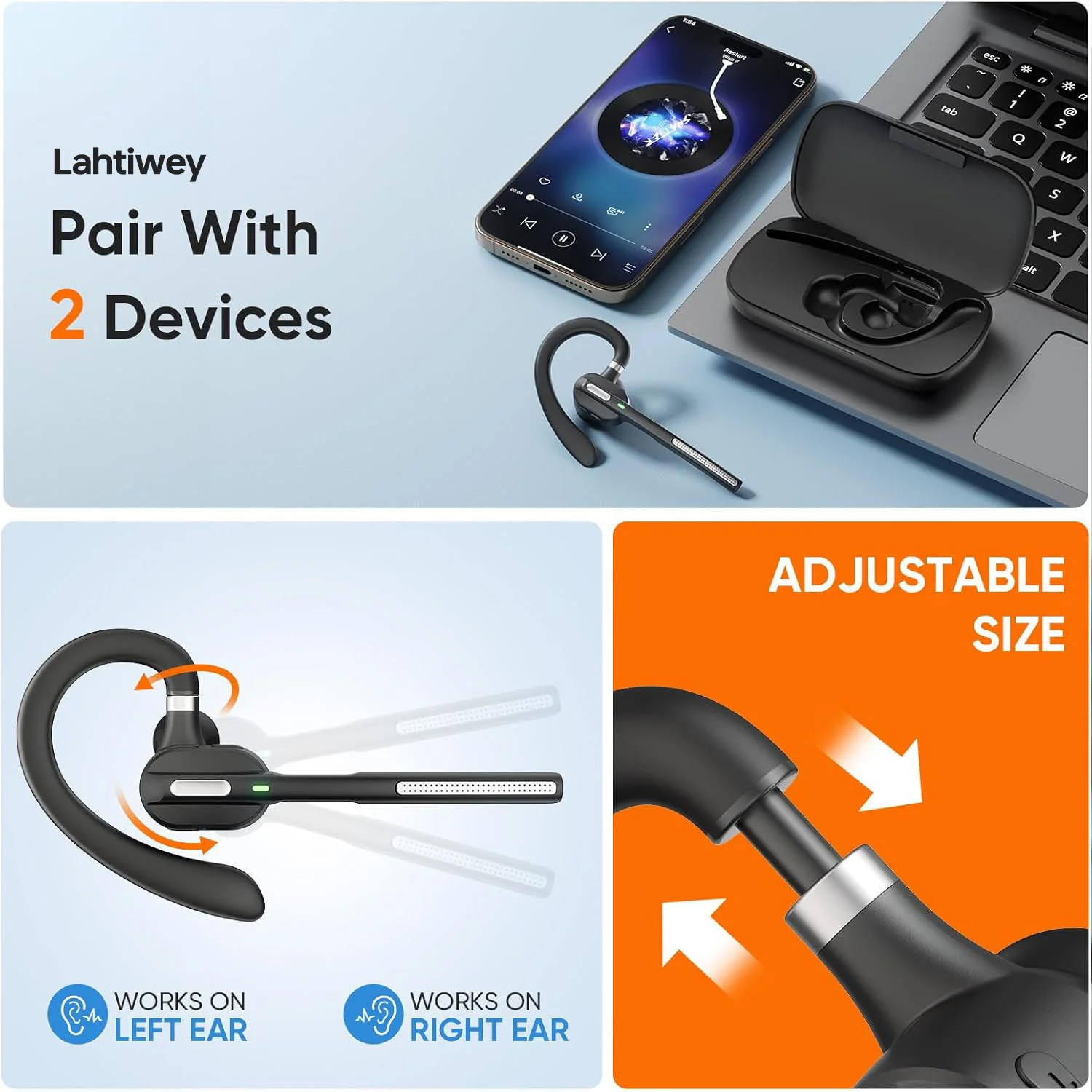
[Amazing Comfort with Customizable Fit]:
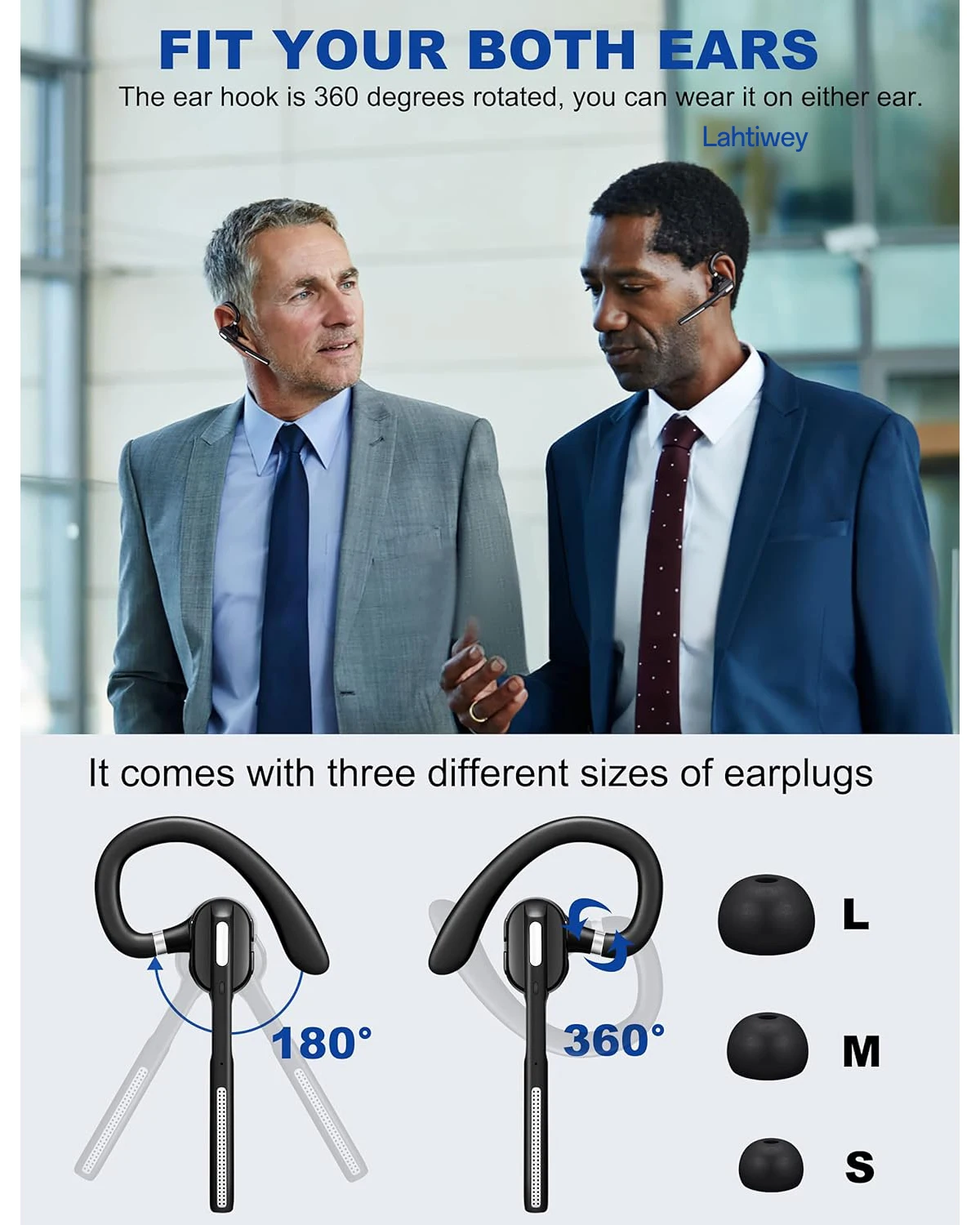
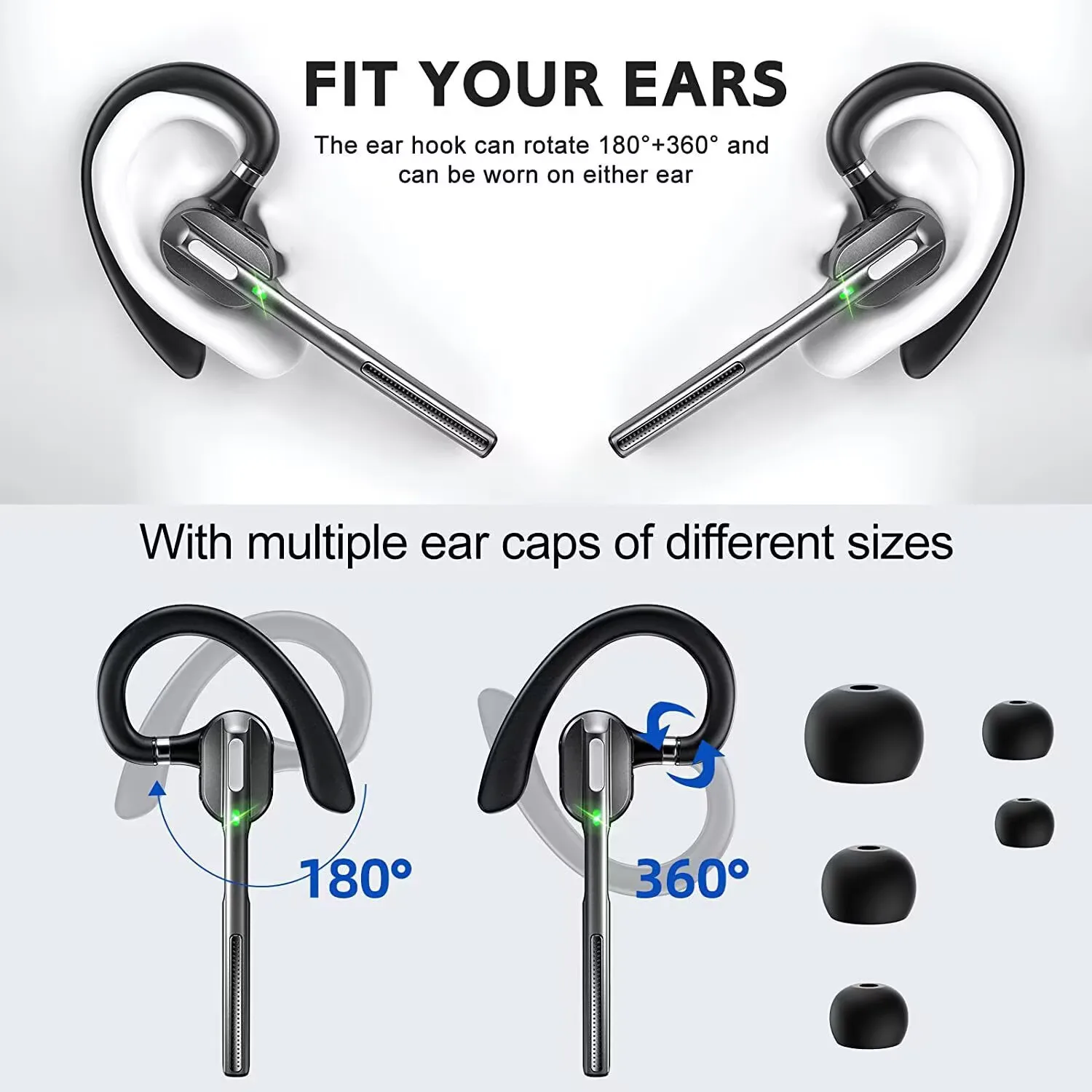
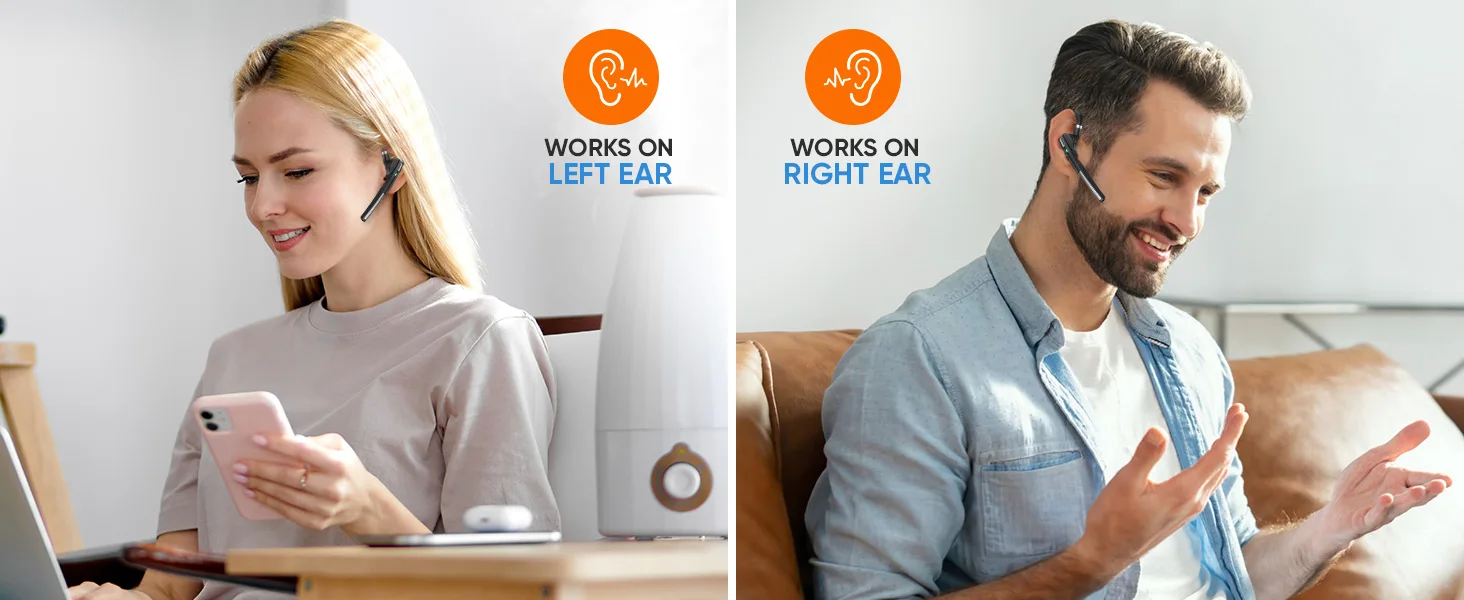
Built for long-term comfort, the rotatable ear hook and lightweight ensure a secure and comfortable fit. Choose from multiple ear tip sizes to find your perfect fit, whether you're using it as a trucker bluetooth headset or a Bluetooth headset with a microphone for PC. It can be paired quickly and stably at a distance of up to 33 feet
[Hands-Free Control with Voice Assistant Support]:
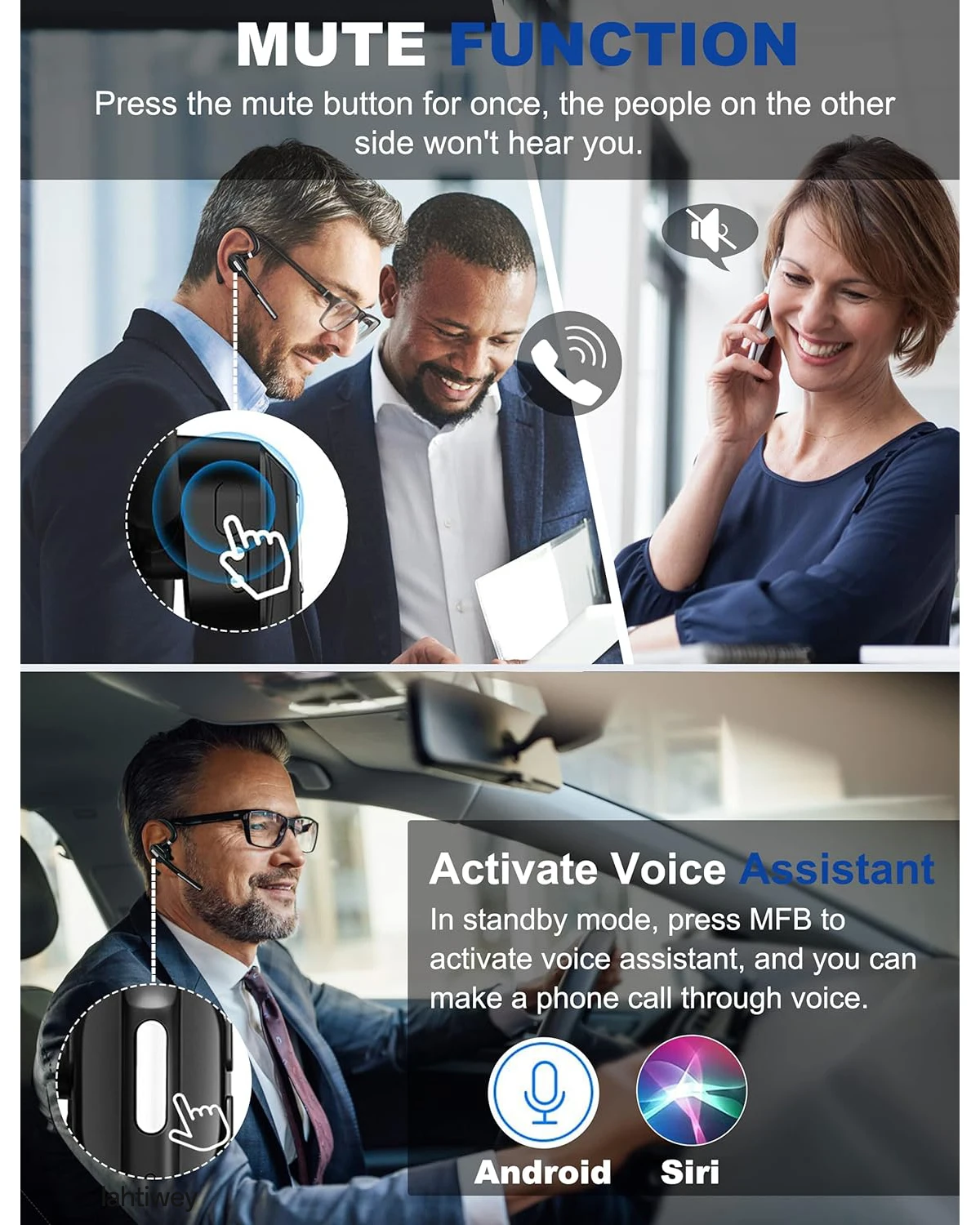
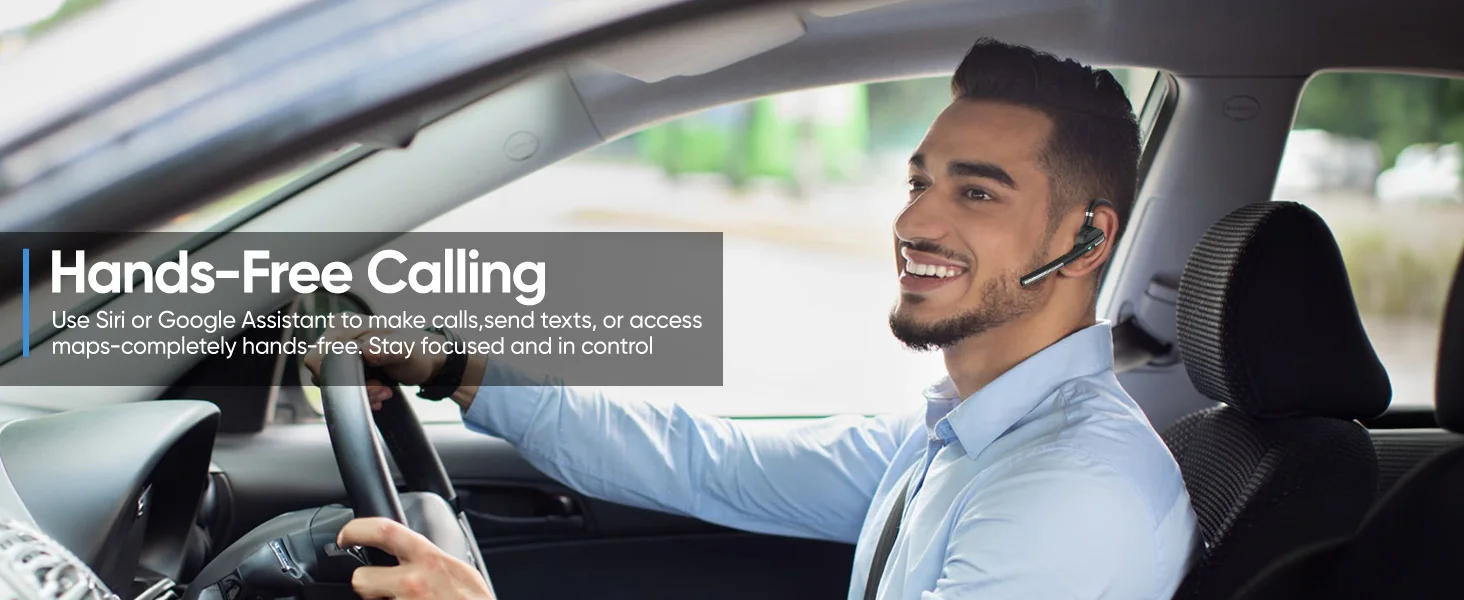
Keep your hands free with easy voice control for answering calls, adjusting volume. The dedicated mute button provides privacy during conference calls, letting you manage your communications effortlessly. Whether work from home, in the office, or outside, this PC headset with mic keeps connected

Mute Function and Easy Operation:
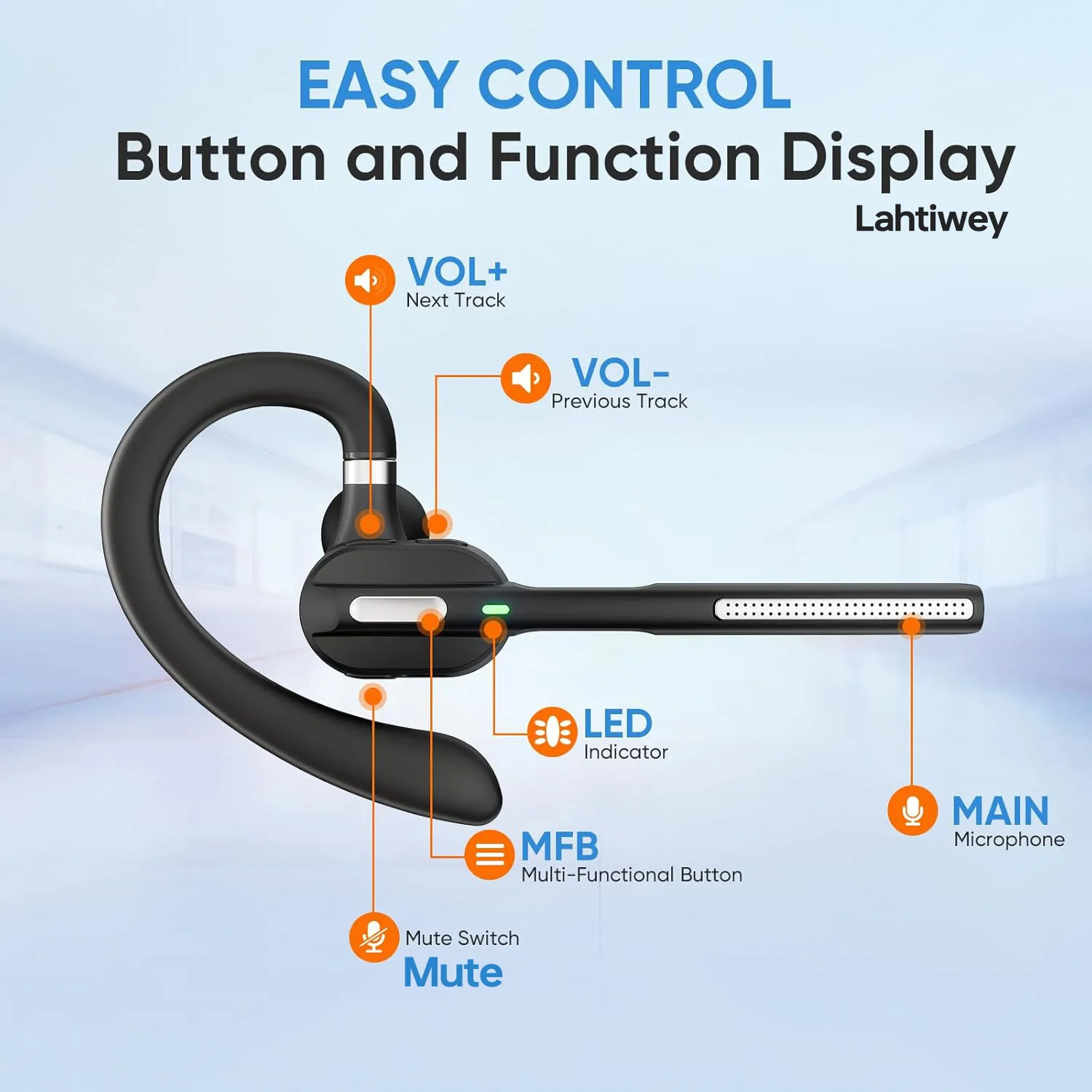
The Bluetooth wireless earpiece features a mute button for privacy, main button for playback and calls, and provide three different ear tip sizes for a comfort fit. It is a choice for family or friends
Wide Compatible:
The wireless earpiece bluetooth adopt the latest 5.1 technology,can pair with most Bluetooth devices, such as computer, TV, PC, latop, and more

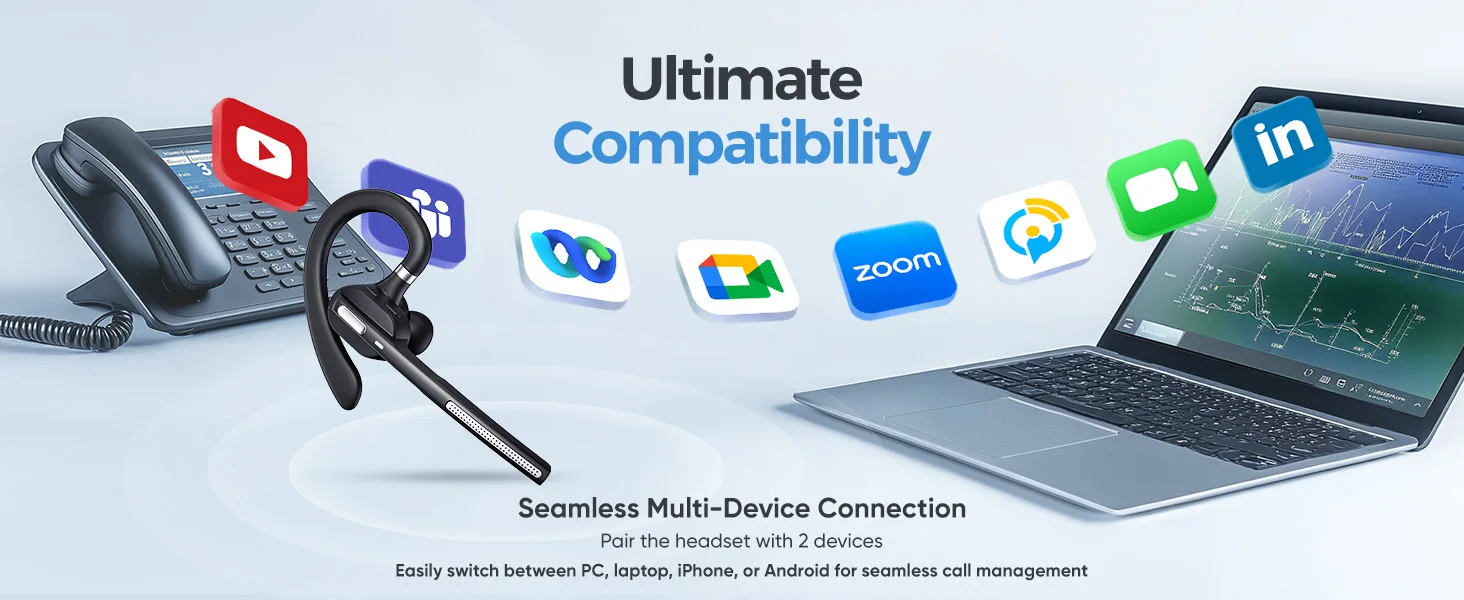


How to connect with two devices simultaneously?
1. After pairing with the first device, turn off the bluetooth on first device, the bluetooth headset will enter pairing mode again.
2. Turn on the bluetooth on the second device, then connect it with the bluetooth headset.
3. Turn on the bluetooth on first device.
4. Turn off the bluetooth headset and turn it on, it will automatically connect with two devices
Tips to help you get a better experience:
1. Our bluetooth headset only work with computers that have Bluetooth function. But you can use a bluetooth dongle if your computer has no Bluetooth function.
2. Poor sound quality and Bluetooth connection occur sometimes when Bluetooth Driver is not updated to the latest version.
3. The buttons on the bluetooth headset only work while using with cellphones. If you need to mute on Skype or other softwares on PC, please mute/unmute through the software you are using.
How to connect with computer?
Step 1: Download a bluetooth driver depends on your computer system and update it to newest version.
Step2: Plug in the Bluetooth dongle(not included), at this point, the gray Bluetooth icon will turn to blue.(Note: If computers have Bluetooth function, you don't need to use Bluetooth dongle)
Step3: Hold and press ” MFB” button for several seconds till the LED light flashes red and green, the headset will enter paring mode.
Step4: Right click on the computer interface, select the “search” equipment, the headset must be in pairing mode ( LED light flashes red and green) , then the computer will search for all nearby Bluetooth devices and find the "G5" signal